What is Aireo?
Aireo is local voice-cleanup software for podcast and broadcast. You import an AAF edit (Premiere, DaVinci, Pro Tools) or a folder of WAV files, and your voices come back ready to air, de-reverbed, de-noised, EQ-corrected and at the right platform level. Everything runs on your machine.
Does Aireo balance several mics automatically?
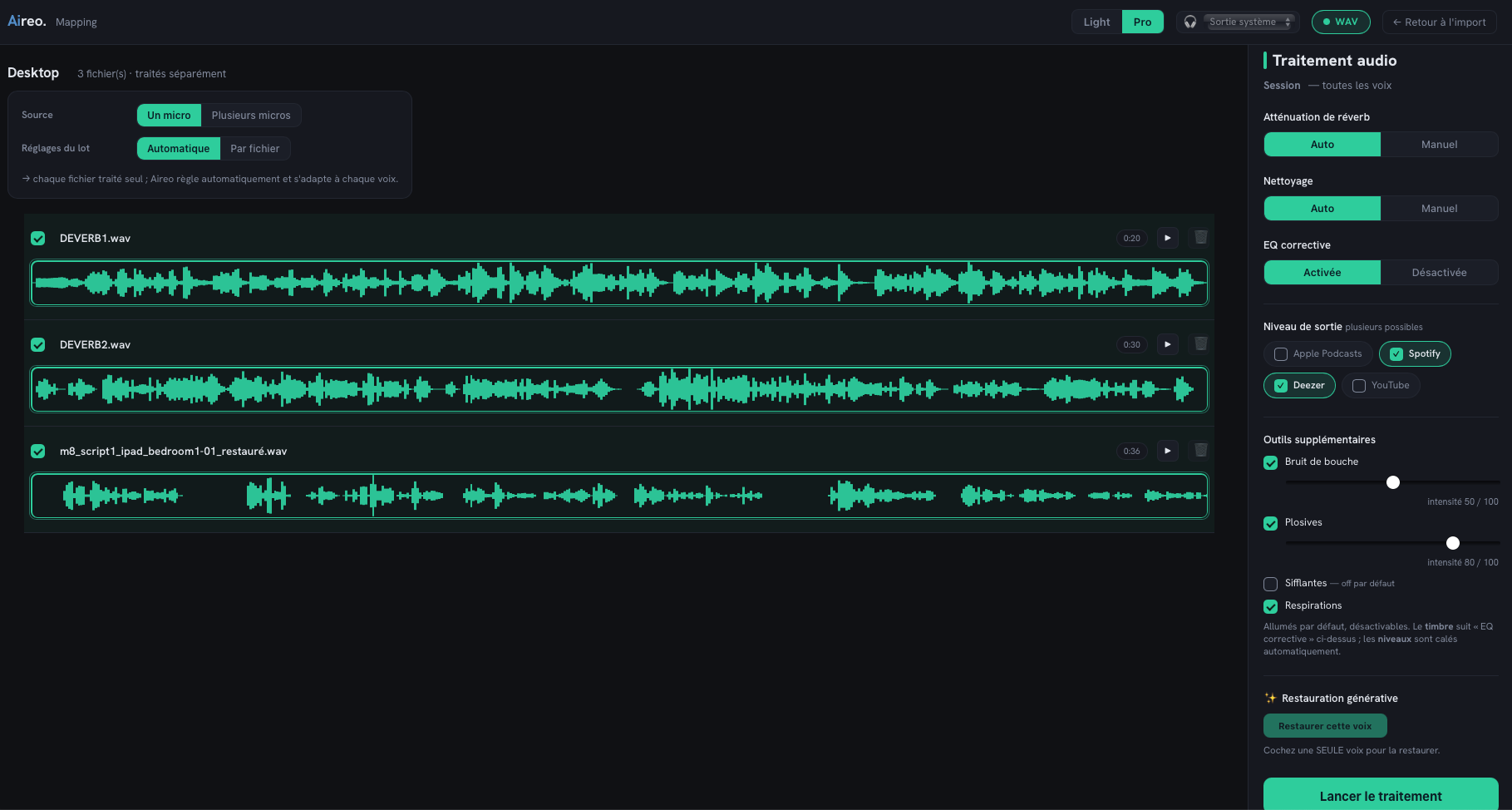
Yes, this is what sets Aireo apart. From your separate mic files, it balances their levels against each other and first removes background noise, room echo and what each mic catches from the other voices, so you get a clean, balanced base, ready to mix. Most tools only clean a single voice; Aireo balances several mics too.
Does Aireo remove mic bleed (crosstalk)?
Yes, automatically. When several mics record at once, each one also picks up the other people's voices, that's mic bleed (or crosstalk). Aireo analyses the mics together and removes that spill without hurting the voice or the natural feel. It's at the heart of its multi-mic automix.
How do you level several voices to the same volume?
Aireo does it automatically. It analyses all your speakers together and matches their loudness, so a quiet guest and a loud host sit at the same level, without you riding a single fader. That's the auto-leveling part of its multi-mic automix.
Does Aireo need multitrack files, or a single mixed file?
For the multi-mic automix, give it your multitrack: one file per mic. From separate tracks, Aireo balances and de-bleeds far better than from a single mixed file, where the voices are already glued together. For a solo voice, a single file is fine.
Does it work with remote recordings (Riverside, Zencastr…)?
Yes. Tools that record each guest on a separate track (like Riverside, Zencastr or SquadCast) are exactly what Aireo loves: it takes those multitrack files and auto-levels, cleans and de-bleeds them into a mix-ready base.
How is Aireo different from online cleanup tools?
Two things. First, Aireo runs 100% locally: nothing is uploaded, your voices stay with you. Second, it's a one-time purchase, not a per-hour subscription, and it hands you a mix-ready session rather than an already-mixed file. You keep control of the final mix.
Who makes Aireo?
Aireo is an independent tool, built with the logic of a real broadcast mix under the hood, so you get a pro level of finish without going through a studio.
Are my files sent to a server?
No. Aireo is 100% local: no upload, no account, no cloud. Your rushes and your clients' voices never leave your computer, confidentiality is built into the architecture, not an option to toggle.
Which formats does Aireo accept?
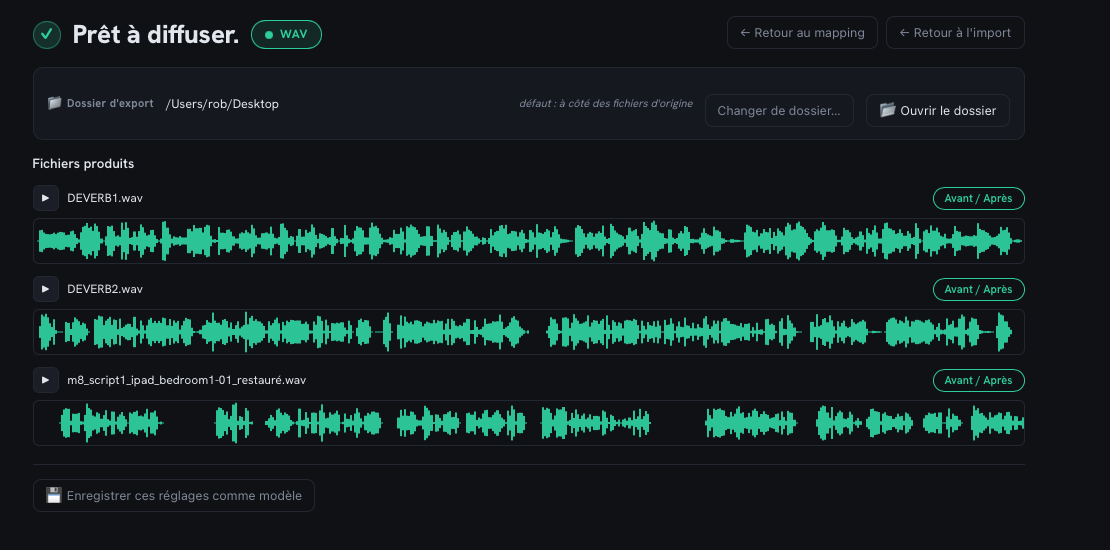
An AAF multitrack edit (Premiere, DaVinci, Pro Tools) or a folder of WAV files. Output is 48 kHz / 24-bit, with level presets for Apple Podcasts, Spotify, Deezer and YouTube, one render per destination.
What does Aireo do with my AAF?
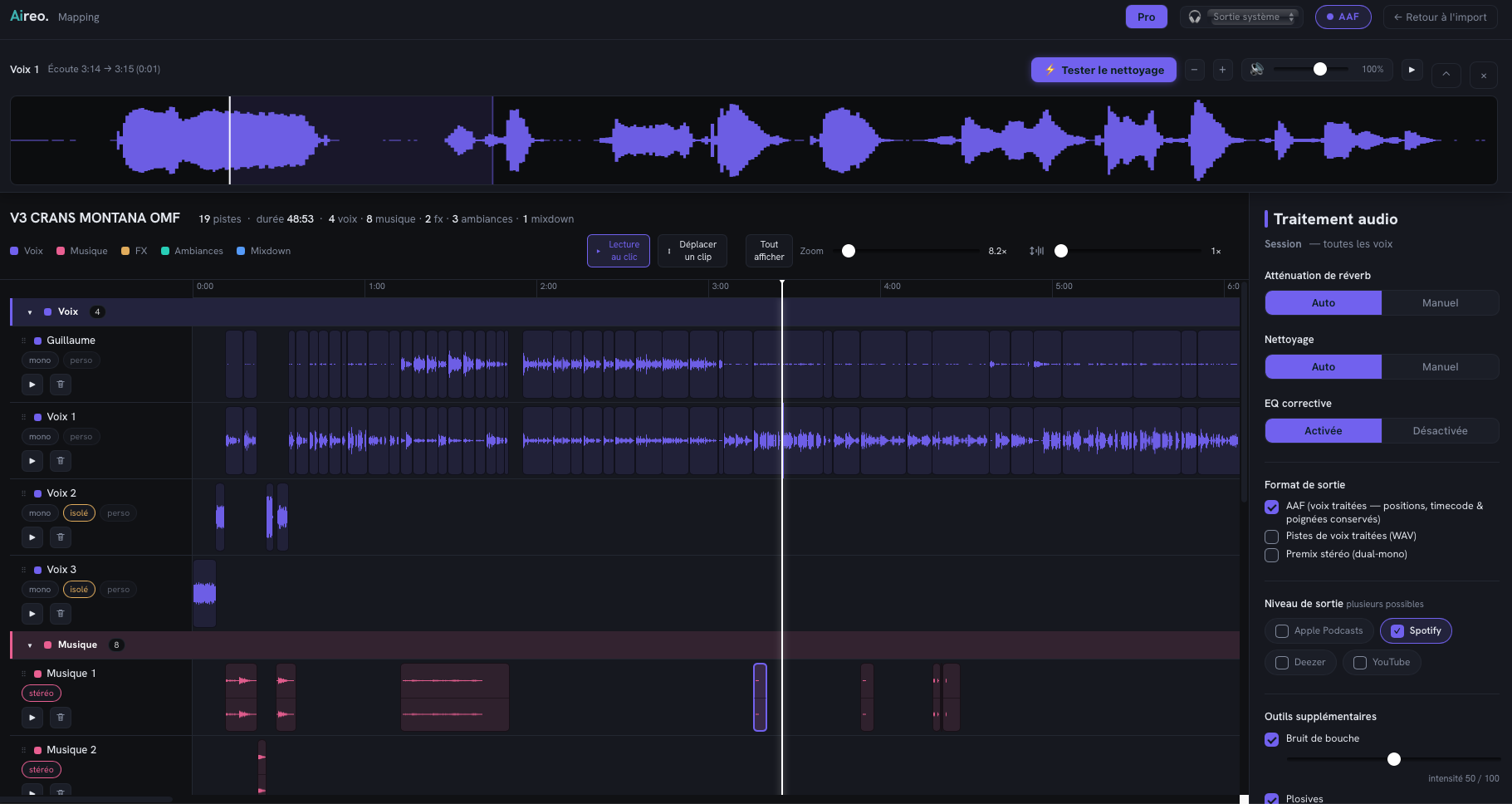
It sorts it like a mixer would before mixing: voices isolated track by track, music laid out in a staggered pattern, FX sorted, with the voices cleaned along the way. Every sound stays at its original timecode; only the tracks get tidied. You get your session tidied up, with the voices mixed. AAF import/export is in beta: it keeps improving, and the free trial lets you check the result on your own session before exporting.
What's the difference between Light and Pro?
Light (€79) does it all on Auto, for one voice: WAV import and export, cleanup and platform levels in a few clicks. Pro (€189) adds multi-mic autolevel (your mics balanced against each other), AAF import / export (sorted, mix-ready session), fine cleanup (sibilance, mouth noises, breaths), per-voice settings, batch, voice match, separate stems and generative restoration.
Is there a free version? Can I try before I buy?
Yes. Download Aireo and process your own files for free: you hear the full before/after, on your own audio. Export (delivering your files) unlocks with the license. You only buy once you're convinced, and no card is needed to try.
Is it a subscription?
No. Aireo is a one-time purchase with a perpetual license, you buy it once and it's yours. No recurring fee. Payment is secured by Lemon Squeezy, VAT included.
Which systems does Aireo run on? Mac and Windows?
Aireo runs on macOS and on Windows, fully offline. On Mac it works on Apple Silicon (M1 to M4 chips) as well as Intel Macs, but an Apple Silicon chip is markedly faster: it offloads part of the processing to the GPU, whereas an Intel Mac does everything on the CPU (it works, but it's slower). macOS 12 (Monterey) or later is recommended for that GPU acceleration, macOS 11 (Big Sur) minimum. The Windows version (Windows 10 and 11, 64-bit) is on the way. Audio is processed at 48 kHz / 24-bit with a built-in A/B before/after so you can hear every change before you export.
What computer do I need to run Aireo?
A recent computer is enough. Minimum: 8 GB of RAM and about 3 GB of free disk space. Recommended: 16 GB of RAM for long sessions and multi-mic work. Aireo automatically adapts its memory use to your machine, splitting the work into slices based on available RAM, so even an entry-level computer works, just with a bit more compute time. A quiet mode keeps heat and fan noise down.
How long does processing take?
Count on roughly half the length of your recording on a recent Apple Silicon Mac (M1 to M4 chip): a 40-minute program comes out in about twenty minutes. Apple Silicon Macs are markedly faster than Intel Macs, which do everything on the CPU and therefore take longer. Aireo adapts to your computer, and everything runs locally, with no upload and no cloud queue.